Getting Started
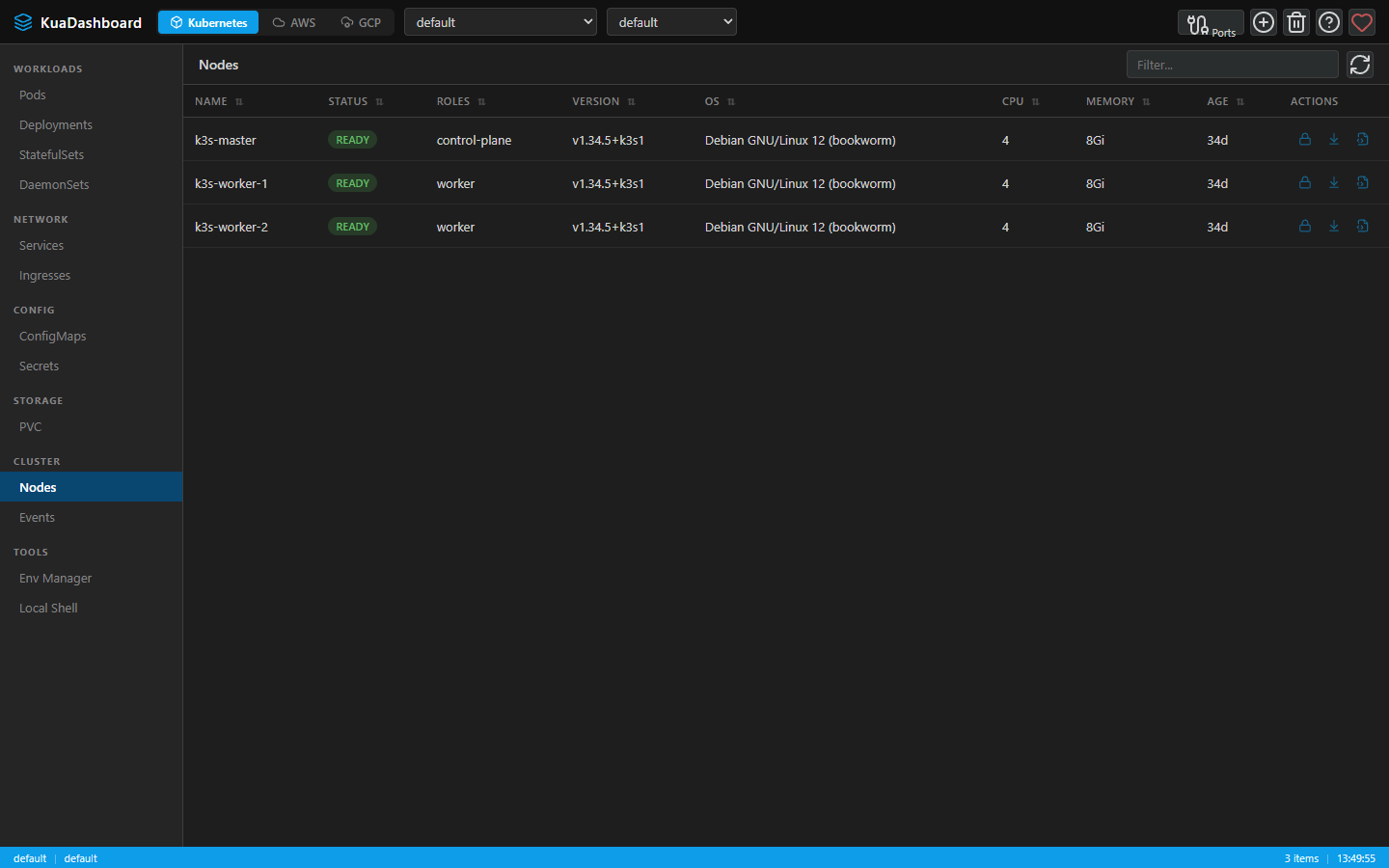
KUA (Know Unified Administration) is an open source platform to centralize operations of distributed infrastructure on AWS, GCP and Kubernetes. Built with Node.js + Express and Vue 3 + Vite + Pinia, it works as a web app or native desktop app (Electron) on Windows, macOS and Linux.
Prerequisites
- Node.js >= 16 (recommended: 20+)
- kubectl configured with a valid kubeconfig (
~/.kube/config) - For cloud features: AWS CLI or GCP
gcloudCLI configured
Quick Start (Web Mode)
bash
# Clone the repository
git clone https://github.com/lnavarrocarter/kuadashboard.git
cd kuadashboard

# Install backend dependencies
npm install

# Install frontend dependencies
cd frontend && npm install && cd ..

# Start the server
npm start
Open http://localhost:7190 in your browser.
Development Mode
For hot-reload during development:
bash
# Backend + Frontend dev servers (concurrent)
npm run dev:full
This starts:
- Backend on
http://localhost:7190(with nodemon auto-reload) - Frontend Vite dev server on
http://localhost:7191(with HMR)
Desktop App (Electron)
bash
# Development mode with Electron
npm run electron:dev

# Build for your current platform
npm run electron:build
See the Electron guide for cross-platform build details.
Next Steps
- Installation — Detailed setup and system requirements
- Features — Explore all capabilities
- Architecture — Understand the project structure
Modo Desarrollo
Para hot-reload durante el desarrollo:
bash
# Backend + Frontend dev servers (concurrente)
npm run dev:full
Esto inicia:
- Backend en
http://localhost:7190(con nodemon auto-reload) - Frontend Vite dev server en
http://localhost:7191(con HMR)
App de Escritorio (Electron)
bash
# Modo desarrollo con Electron
npm run electron:dev

# Build para tu plataforma actual
npm run electron:build
Ver la Guía Electron para detalles de builds multiplataforma.
Siguientes Pasos
- Instalación — Setup detallado y requisitos del sistema
- Funcionalidades — Explorar todas las capacidades
- Arquitectura — Entender la estructura del proyecto