
Electron Desktop App
KuaDashboard ships as a native desktop application for Windows, macOS, and Linux powered by Electron.
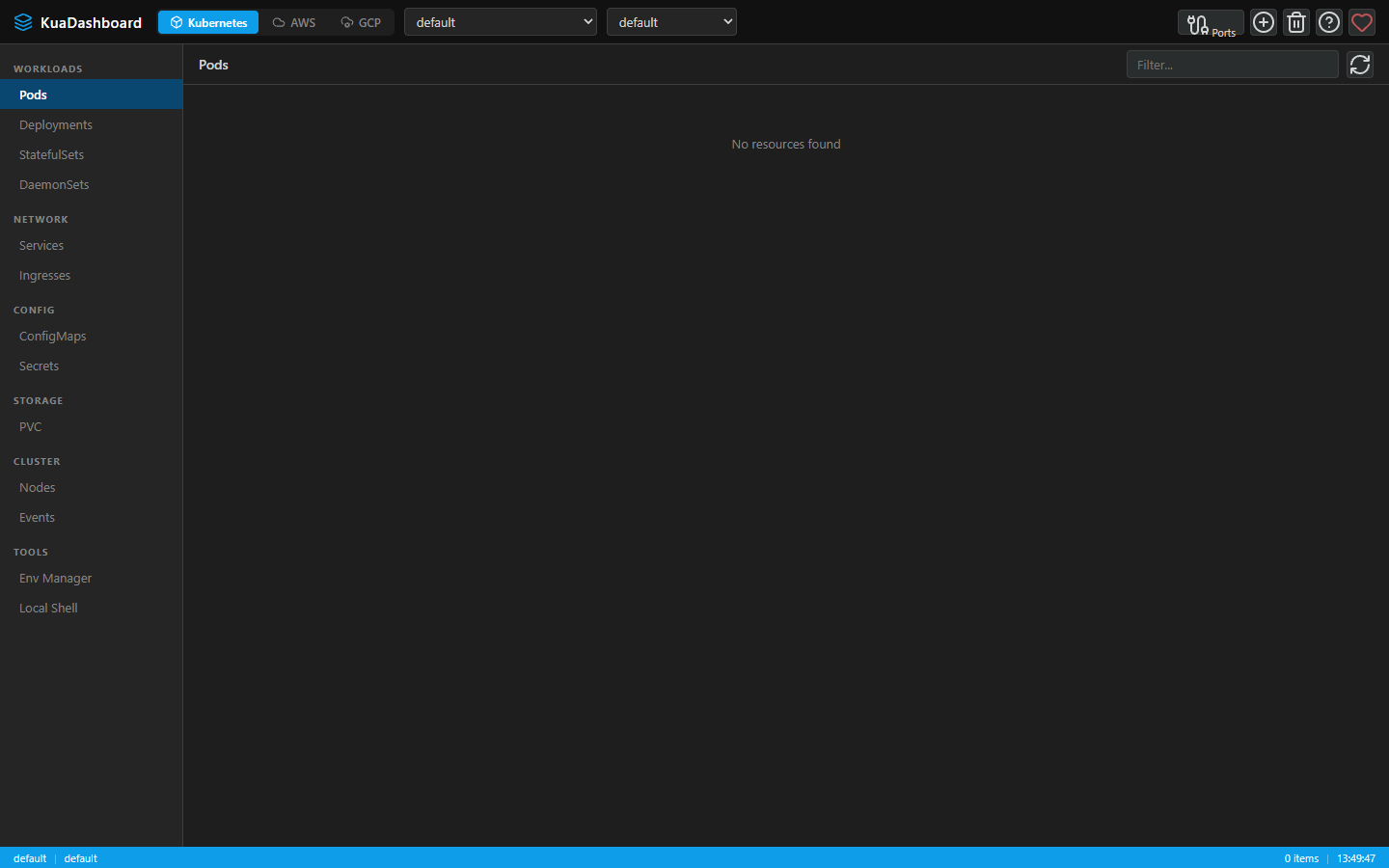
How It Works
The Electron app bundles the full backend (Express + WebSocket server) and frontend (Vue 3 built output) into a single package:
- Main process (
electron/main.js) — forks the Express server as a child process - Renderer — loads the frontend from the local Express server
- Preload (
electron/preload.js) — secure IPC bridge viacontextBridge
┌─────────────────────────────────────┐
│         Electron Main Process       │
│  ┌───────────────┐ ┌─────────────┐ │
│  │  Express Server│ │ BrowserWindow│ │
│  │  (child fork)  │→│ (renderer)  │ │
│  │  :7190         │ │  Vue 3 SPA  │ │
│  └───────────────┘ └─────────────┘ │
└─────────────────────────────────────┘
Development
bash
# Run Electron with live-reload (backend + Vite + Electron)
npm run electron:dev
This starts three concurrent processes:
- Backend server with nodemon
- Vite dev server with HMR
- Electron window pointed at the dev server
Building
Prerequisites
bash
# Ensure dependencies are installed
npm install
cd frontend && npm install && cd ..

# Generate app icon (only needed once)
npm run icons:generate
Build for Current Platform
bash
npm run electron:buildBuild for Specific Platform
bash
# Windows only (NSIS installer)
npm run electron:build:win

# macOS only (DMG)
npm run electron:build:mac

# Linux only (AppImage + deb)
npm run electron:build:linux

# All platforms
npm run electron:build:all
Cross-Platform Builds
- Building for macOS requires running on macOS
- Building for Windows can be done from Windows or macOS
- Building for Linux requires running on Linux (or Docker with
electronuserland/builder) - Use CI/CD (GitHub Actions) for automated cross-platform builds — the project includes workflows that build for all three platforms
Build Output
Built packages are placed in dist-electron/:
dist-electron/
├── win-unpacked/              # Unpacked Windows app
├── KuaDashboard-Setup-<version>.exe  # Windows installer
├── mac/                       # Unpacked macOS app
├── KuaDashboard-<version>.dmg    # macOS disk image
├── linux-unpacked/            # Unpacked Linux app
├── KuaDashboard-<version>.AppImage # Linux AppImage
└── kuadashboard_<version>_amd64.deb # Debian/Ubuntu package
Custom Icons
Replace the placeholder icon with your own:
bash
# Place a 512×512 or larger PNG at:
assets/icon.png

# electron-builder auto-converts to .ico (Windows) and .icns (macOS)
Or regenerate the default icon:
bash
npm run icons:generateSecurity Model
The Electron app uses a secure sandboxed architecture:
| Setting | Value | Purpose |
|---|---|---|
contextIsolation | true | Renderer can't access Node.js |
nodeIntegration | false | No require() in renderer |
webSecurity | true | Standard CORS enforcement |
sandbox | false | Preload needs require() |
All communication between renderer and main process goes through the window.kuaElectron API exposed via contextBridge.
Auto-Updates
Coming Soon
Auto-update via electron-updater will be added in a future release. For now, download new versions manually from the Releases page.